
Download Simpo PDF To Word – PDF to Word Converter, Batch Processing, Fast Conversion
Overview
Simpo PDF To Word is a mobile application developed to streamline document management by enabling seamless conversion between PDF and Word formats. Designed for users who frequently switch between these two widely used file types, the app addresses the common challenge of preserving formatting during transitions. Whether preparing reports, editing contracts, or organizing academic materials, Simpo PDF To Word offers a practical solution for professionals, students, and office workers.
The app’s focus on efficiency and accuracy makes it a valuable tool in daily digital workflows. Its ability to handle multiple files at once enhances productivity, particularly in time-sensitive environments. While the developer did not provide additional background information, the app’s consistent functionality suggests a targeted approach to document conversion needs.
Real-world use cases include converting scanned PDFs into editable Word documents for revisions, transforming digital reports into editable formats for team collaboration, or preparing submissions that require specific formatting. In the broader app ecosystem, Simpo PDF To Word fills a niche for users seeking reliable, no-frills document conversion without the complexity of full office suites. It stands out as a lightweight yet powerful utility that supports essential productivity tasks directly from a smartphone or tablet.
Key Features & Functionality
- User-Friendly Interface: The app features an intuitive layout that simplifies navigation, allowing users to initiate conversions with minimal effort. Even those unfamiliar with document editing tools can quickly adapt to the workflow.
- Batch Conversion Support: Users can process multiple PDF files simultaneously, significantly reducing the time required to convert large volumes of documents. This is especially beneficial for users managing archives, research materials, or project deliverables.
- Fast Conversion Speed: Optimized processing ensures rapid results, enabling users to convert files in seconds without waiting for lengthy processing times.
- Versatile Format Compatibility: The app supports both PDF-to-Word and Word-to-PDF conversions, offering flexibility for users who need to switch between formats based on their current task.
- Reliable Output Quality: Conversions maintain the original document’s structure, fonts, and layout as closely as possible, ensuring that edited versions remain visually consistent with the source.
For example, a student preparing a thesis can use the app to convert a collection of PDF research papers into editable Word files for annotation and citation. A business professional can quickly transform a client’s PDF proposal into a Word document for internal review and feedback. The batch feature allows users to convert dozens of files at once, eliminating repetitive manual steps and minimizing the risk of errors.
Interface, UX & Performance
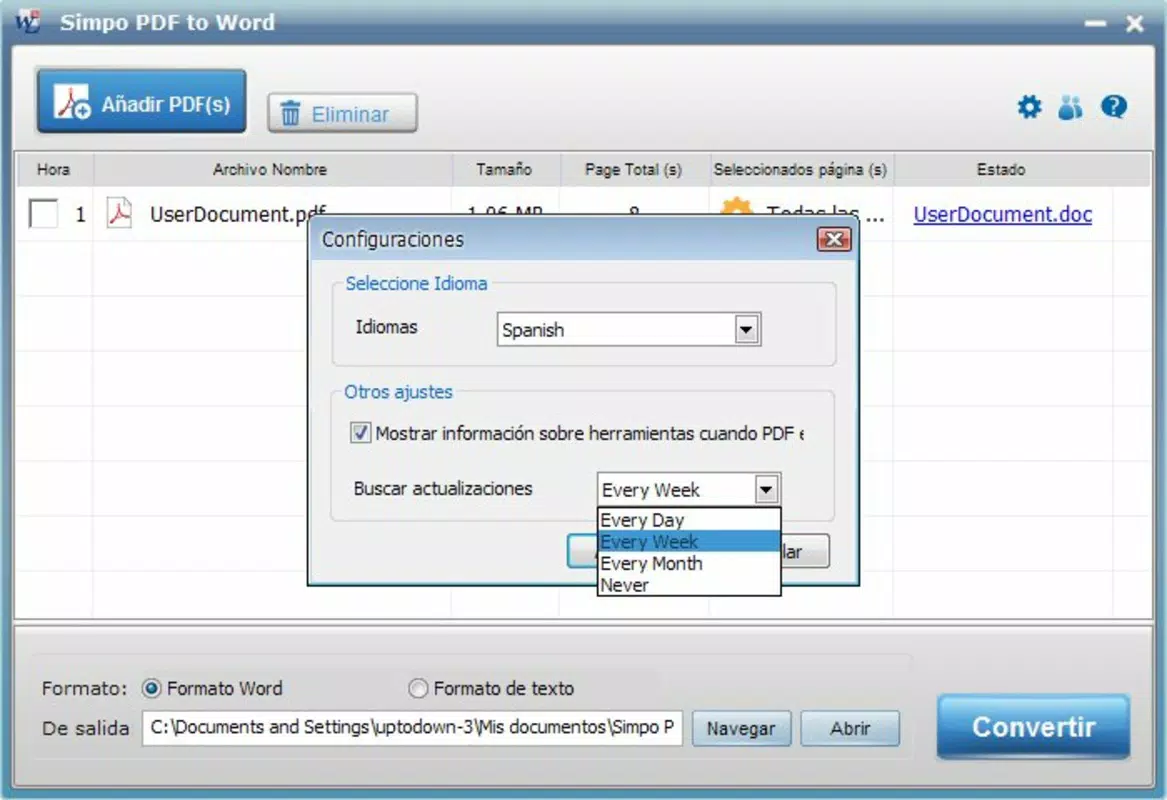
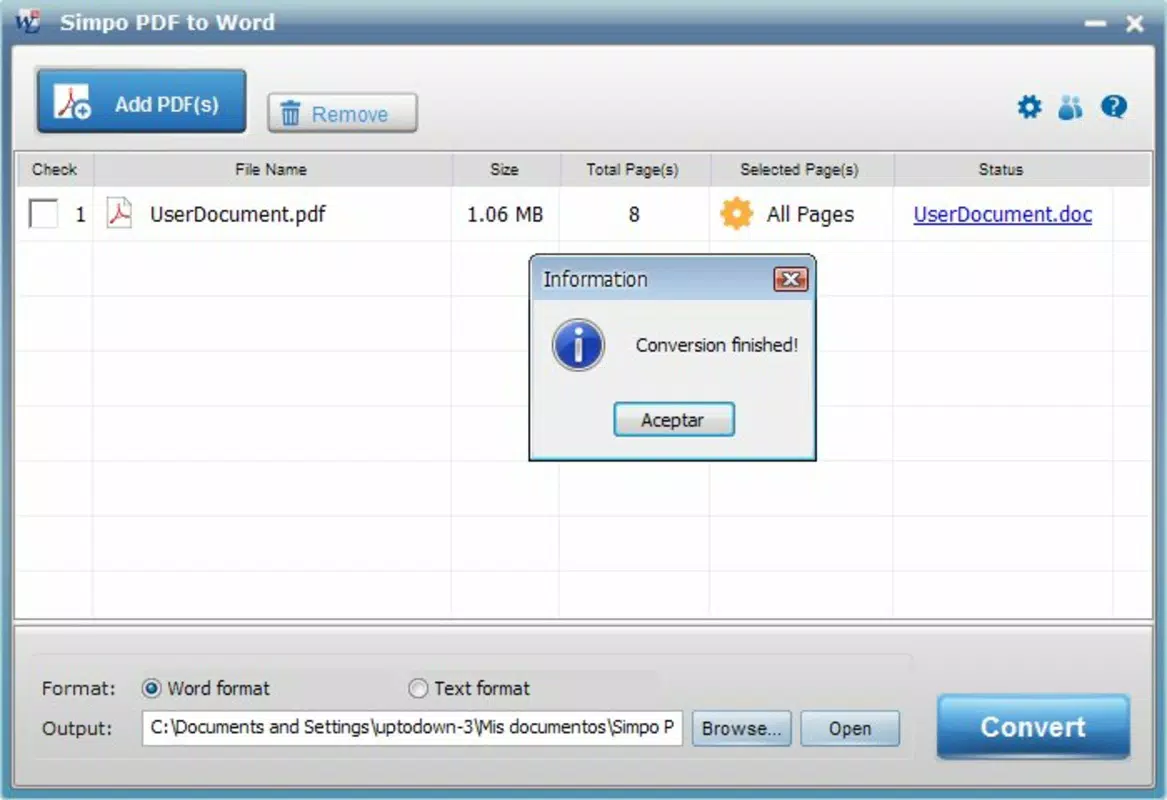
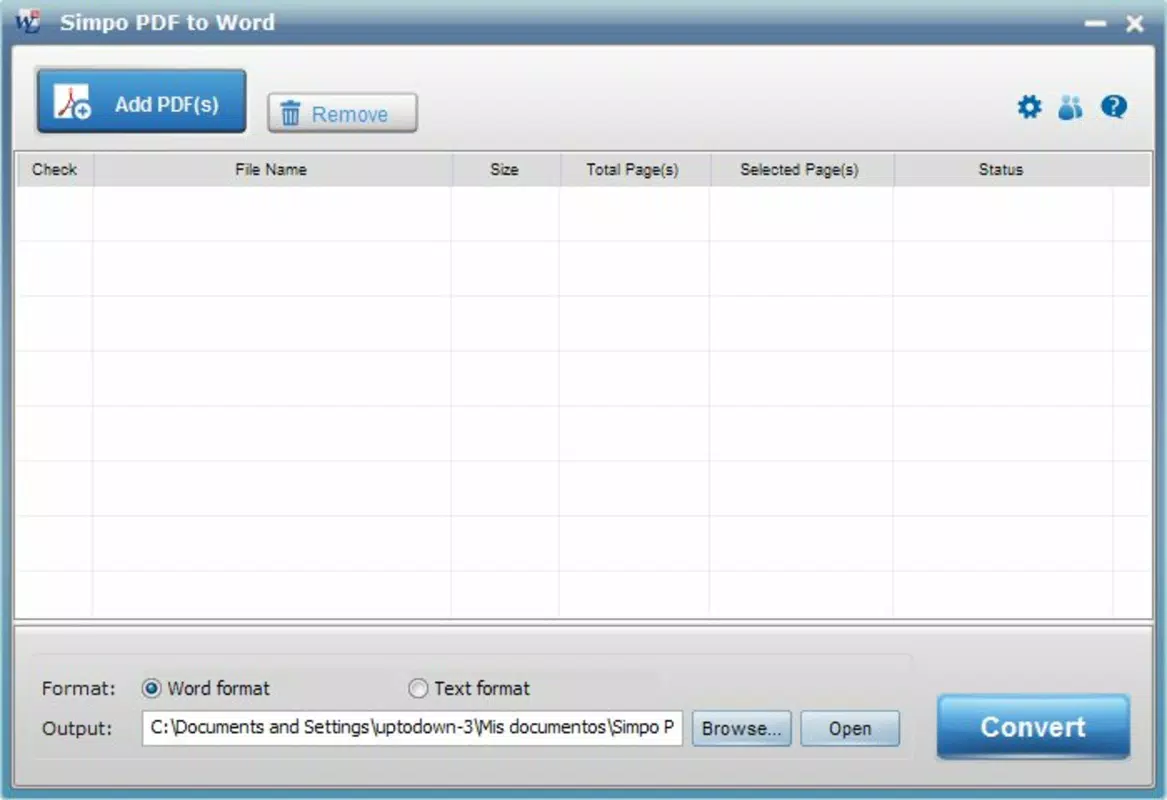
The user interface of Simpo PDF To Word is clean and purpose-driven, focusing on core conversion tasks without unnecessary distractions. Navigation is straightforward, with clearly labeled buttons and a logical flow from file selection to output. The visual style emphasizes usability over ornamentation, making it easy to identify key functions at a glance.
While the developer did not list formal performance metrics, the app is designed to operate efficiently on a range of mobile devices. Users can expect responsive interactions, with minimal lag during file loading and processing. The app maintains stability during batch operations, suggesting robust handling of memory and processing demands.
Although specific requirements were not listed, the app likely performs well on mid-to-high-end smartphones and tablets with sufficient storage and RAM. The interface remains functional across different screen sizes, adapting appropriately to various device categories. Overall, the user experience is smooth and consistent, aligning with expectations for a utility-focused mobile application.
The lack of visible loading indicators or progress bars may slightly affect transparency, but the fast processing times help mitigate this concern.
Platform Compatibility & Technical Requirements
Simpo PDF To Word is available for Android and iOS platforms, though the exact operating system version requirements were not specified. The app’s file size is reported as 25.4 MB, which is relatively compact for a document conversion tool. This size suggests efficient code optimization and minimal bloat, making it suitable for devices with limited storage.
The application version is not listed, but users can expect updates to maintain compatibility with evolving mobile OS versions. The developer did not provide additional technical details, including specific hardware or memory requirements. As such, compatibility with older devices or low-end models cannot be confirmed.
However, the app’s lightweight design implies it may run on a broad range of devices, provided they meet the general standards for modern mobile operating systems. Users should ensure their device is updated to the latest OS version to avoid potential issues. The absence of detailed system requirements means users may need to test the app on their specific device to confirm optimal performance.
Pros and Cons
Pros
- Intuitive interface suitable for users of all skill levels
- Supports batch conversion for multiple files at once
- Fast processing times for efficient workflow
- Preserves formatting and layout in converted documents
- Offers bidirectional conversion (PDF to Word and vice versa)
Cons
- Developer did not provide detailed system requirements
- Specific OS version compatibility was not disclosed
- Limited information on file size limits or supported PDF types
- No visible progress indicators during conversion
- Compatibility with older or low-end devices is unconfirmed
FAQ
Is Simpo PDF To Word safe to download and use?
The app is designed as a secure utility for document conversion. As with any third-party app, users should ensure they download it from official sources to avoid potential risks.
Can I convert multiple PDFs at once?
Yes, the app supports batch conversion, allowing users to process several PDF files simultaneously.
Does the app work on both Android and iOS?
Yes, Simpo PDF To Word is available for both Android and iOS platforms.
How long does the conversion process take?
Conversions are designed to be fast, with processing times measured in seconds for typical files. The exact duration depends on file size and device performance.
Is there a free version available?
The pricing information was not provided. Users should check the app store listing for current pricing and availability.
Final Thoughts
Simpo PDF To Word delivers a focused, reliable solution for users needing to convert between PDF and Word formats on mobile devices. Its combination of speed, accuracy, and batch processing makes it a standout utility in the productivity space. The app excels for professionals, students, and anyone who regularly handles document editing and sharing.
While some technical details remain undisclosed, the app’s performance and design reflect a clear commitment to usability and efficiency. For those seeking a lightweight, secure, and effective tool to manage document workflows on the go, Simpo PDF To Word is a strong candidate. With its user-friendly interface and fast results, it enhances productivity without complexity.
Download Simpo PDF To Word now.


